The Invisible Co-Pilot: My Self-Hosted Home Server
Repurposed an old laptop into a privacy-first self-hosted server — replacing multiple cloud subscriptions.
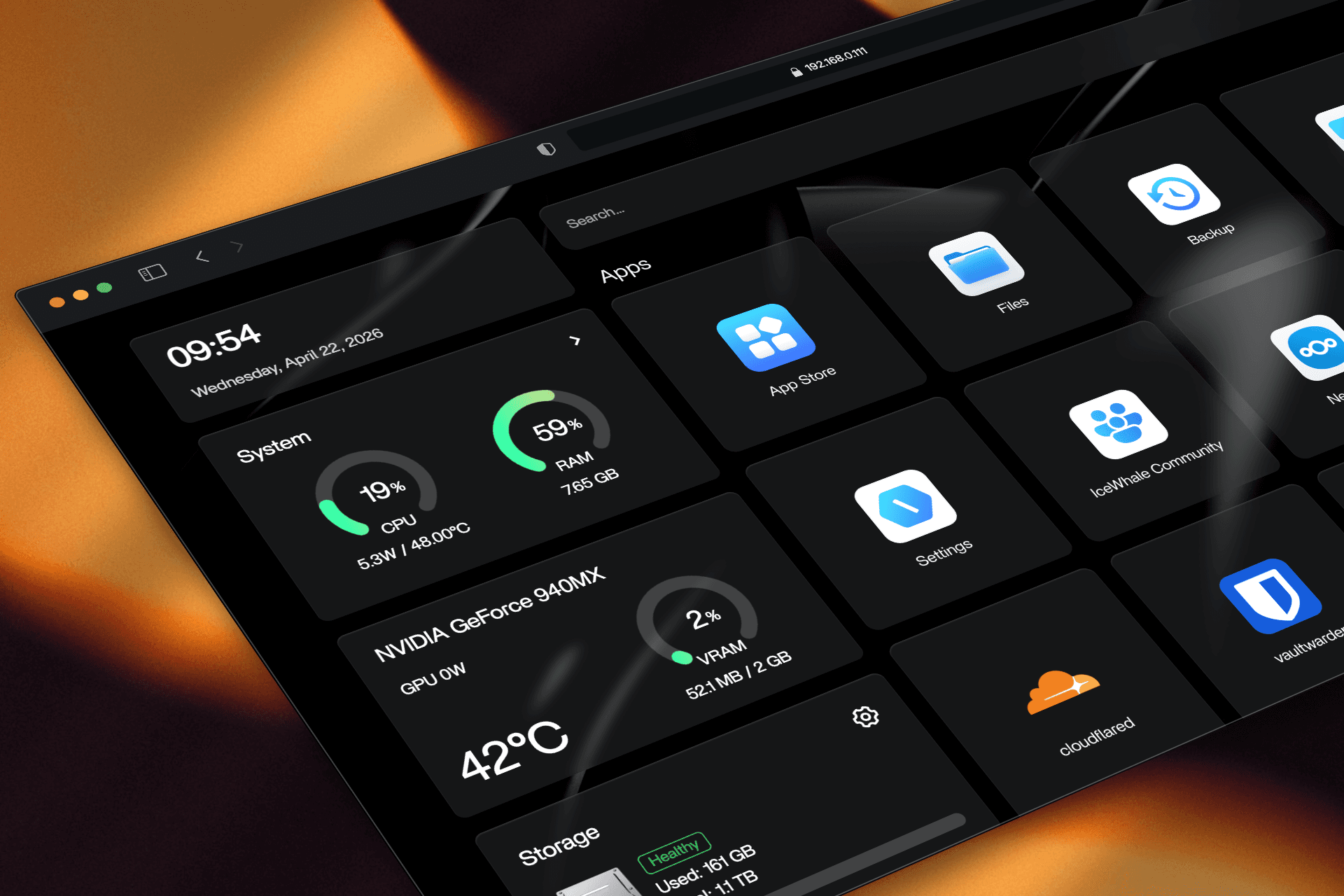
The Backstory
As a tech enthusiast, I used to spend hours scrolling through GitHub, amazed by the open-source community. For years, I had this fantasy of running my own self-hosted apps, but I just didn't have the right setup for it.
Fast forward to a couple of years ago: I switched to a Mac Mini for my daily design work, leaving my old HP laptop collecting dust in the corner. Suddenly, that old fantasy crept back into my head. I thought, “Let’s experiment.” Instead of buying massive, expensive server racks, I embraced a sustainable, maker-mindset. I wiped my old HP laptop (8GB RAM, 150GB SSD, 1TB HDD) clean and got to work.
Context & The Problem
Working from home as a Product Designer, I rely on many digital tools for design, research, and family life. But I was stuck in the “SaaS trap” — paying monthly for Google Photos, Dropbox, Notion backups, and professional email.
Key Pain Points
Rising monthly cloud bills
Scattered tools and too many logins
Growing privacy concerns with family photos and client data
Repetitive manual tasks breaking my flow
The Goal
Build one reliable, privacy-first home server that becomes the invisible backbone of my daily workflow.
Research & Decision Making
During a long 15-day Eid holiday in my hometown, I dove deep into research. My previous experiences with Linux were a mixed bag, so I evaluated options like Ubuntu, TrueNAS, Unraid, Proxmox, and CasaOS.
Eventually, I discovered ZimaOS—a more polished, modern evolution of CasaOS. As a designer, I fell in love with it immediately. It features a clean, minimal dashboard that makes managing complex server tasks feel visually pleasing. Because this was an experiment, going with something user-friendly, with low resource usage and strong Docker support, was the smartest move.
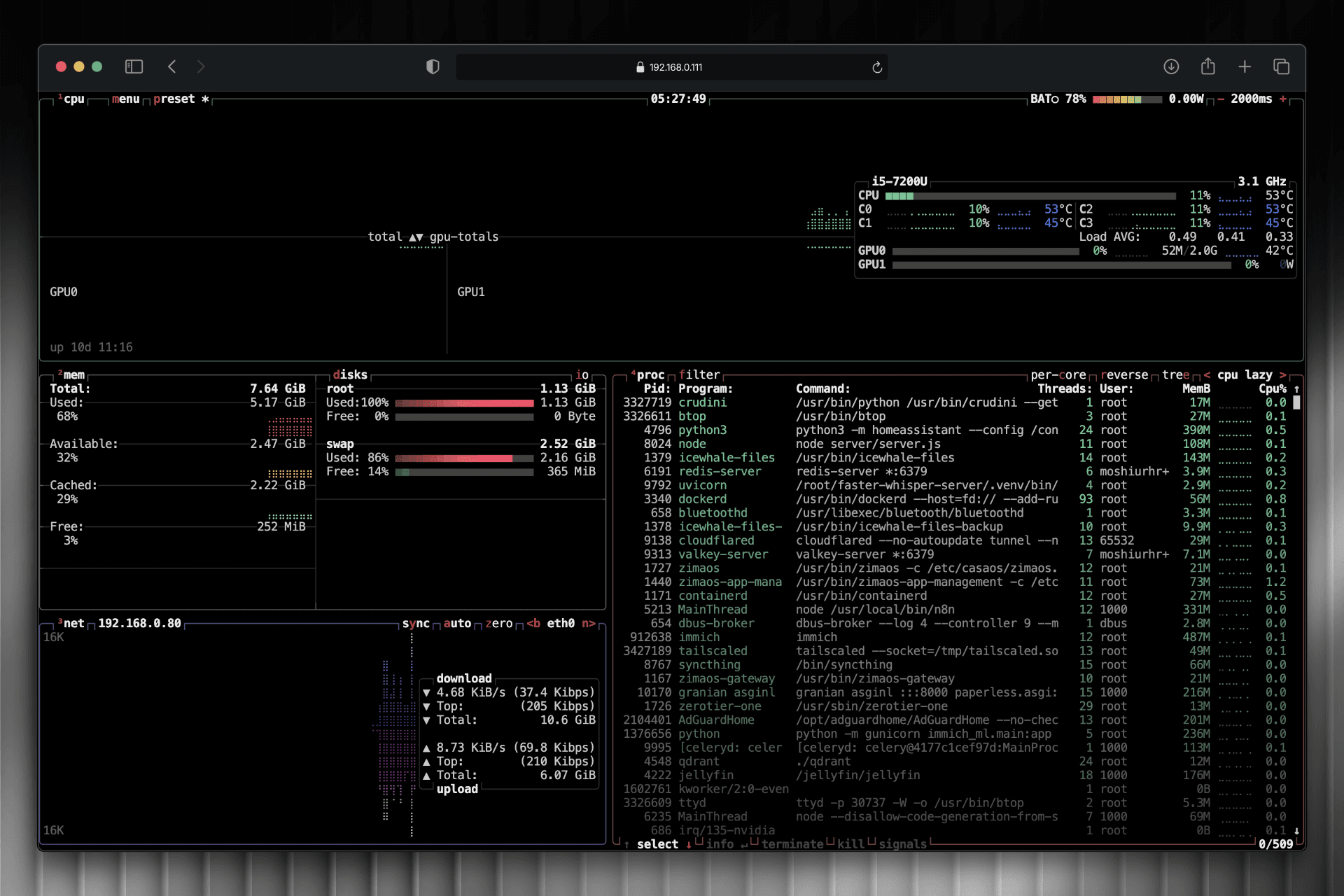
3. Core Services (The UX of My Infrastructure)
I didn’t just install apps — I designed a complete personal ecosystem that removes friction from my daily life as a Product Designer.
Here is some docker stack from my list.
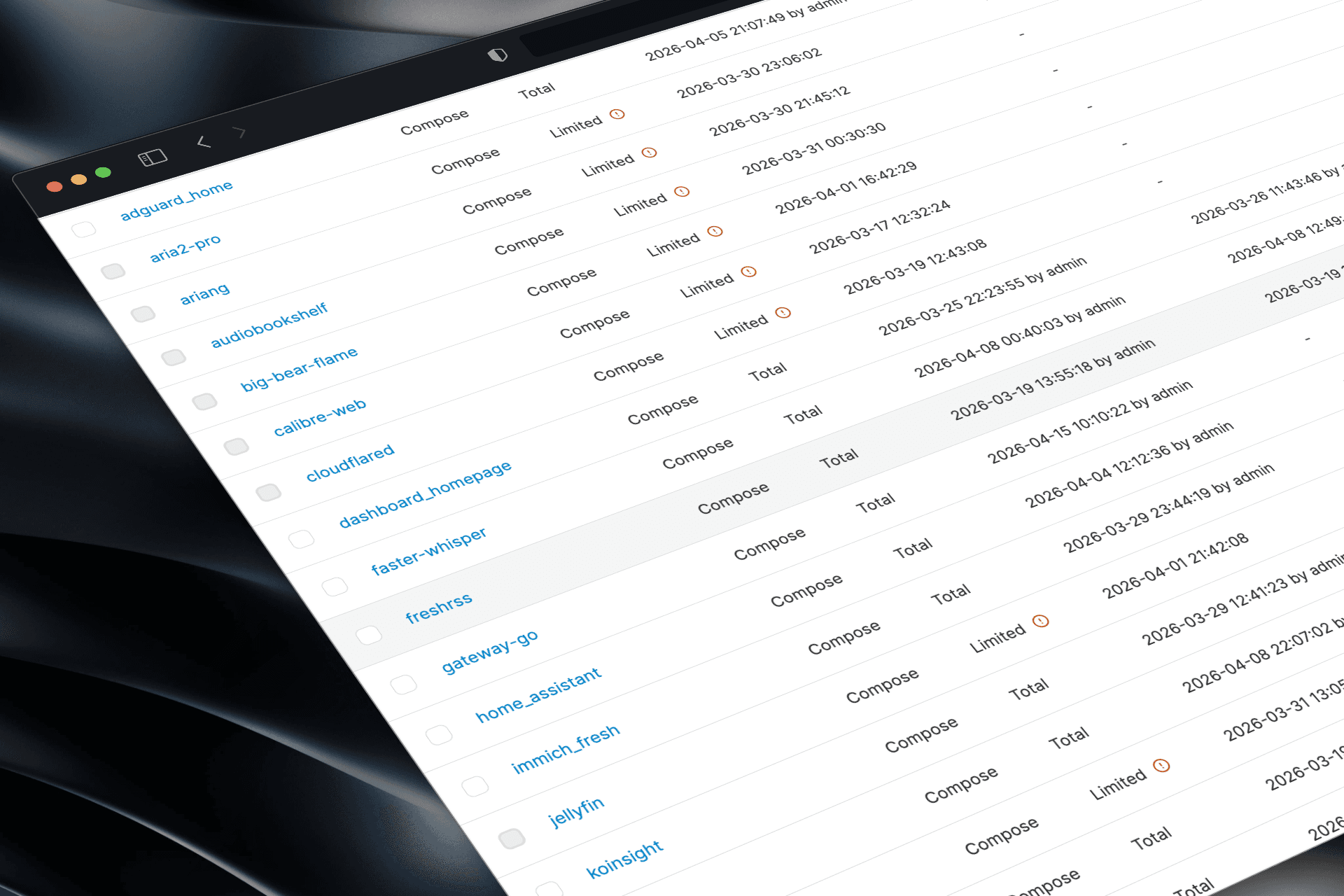
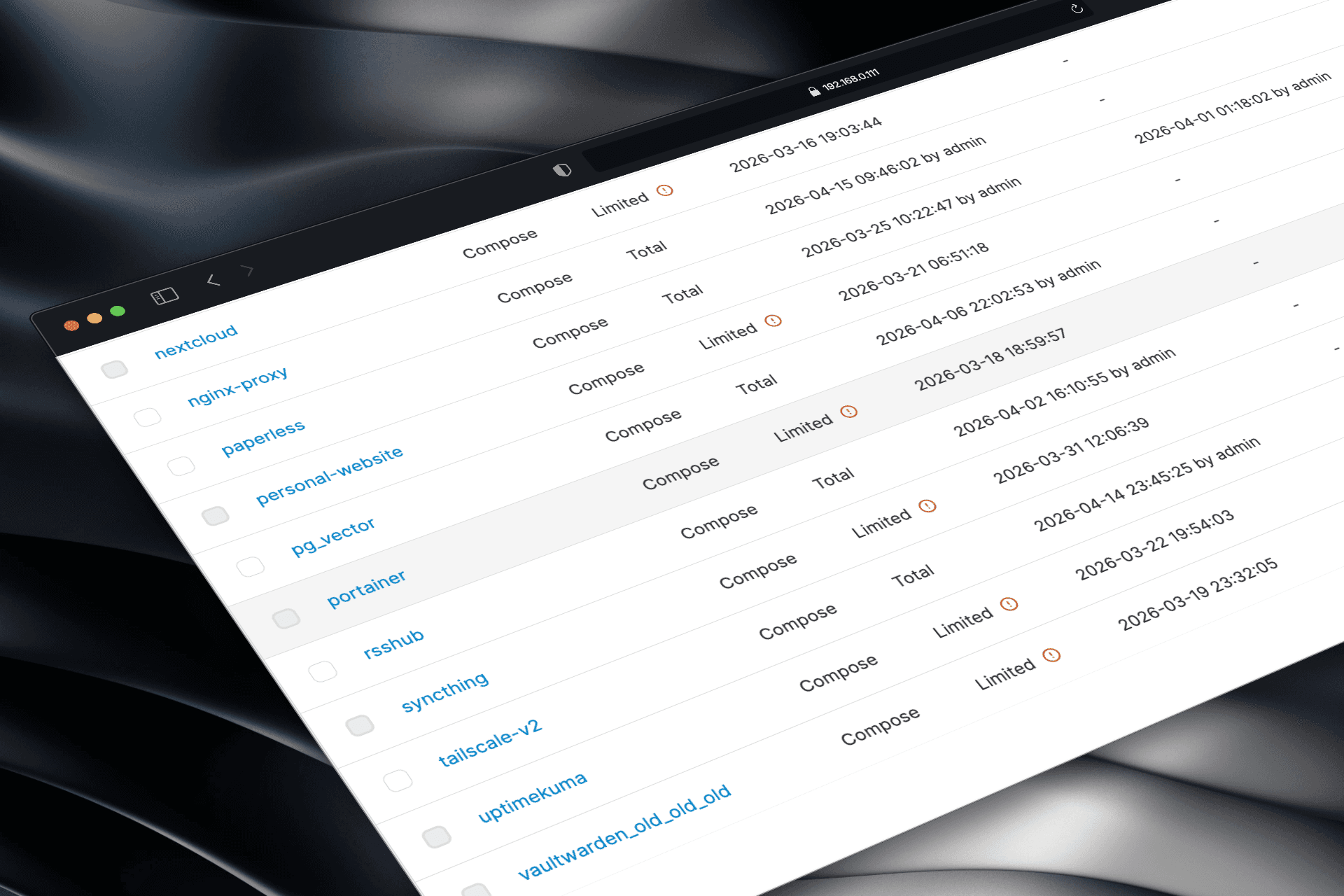
Ad-Free House — AdGuard Home Network-wide ad blocking and privacy protection at the router level. I also fixed device-level bypasses (Secure DNS & IPv6) so every phone, laptop, TV, and smart device in the house is now completely ad-free.
Personal AI Assistant — n8n Automations The heart of my server. I use self-hosted n8n to automate almost everything in my daily routine:
Scan my wallet NFC card → room lights turn off automatically
Control light brightness directly from Telegram
Upload documents to the server via Telegram
Daily RSS news summary delivered to Telegram
Personal AI workflows that save me hours every week
It’s my invisible co-pilot that turns repetitive tasks into zero-friction automations.
Paperless Life — PaperlessNGX Replaced Google Drive and Apple Cloud for all my important personal documents. Now I just open my server IP and everything is there. The built-in AI search lets me find any document in seconds — no more remembering accounts, passwords, or which cloud I saved it in.
Secure File Sharing — Nextcloud + FileBrowser Client-safe file sharing with password-protected, folder-specific links. Clients only see exactly what I want them to see — the rest of the server stays completely locked down.
Family Memories — Immich Full Google Photos replacement. All family photos and videos now back up instantly to my own hard drive with the same smooth experience. I migrated everything from Google Photos using the official Immich Go tool in one go.
+ Other Daily Tools
AudioBookShelf → My daily audiobook companion
Calibre-web → Clean ebook manager
Vaultwarden → Self-hosted password manager (KeePass, Lastpass alternative)
Ariang → Send any download link via Telegram and it saves directly to my server (n8n Autometion)
Cloudflare Tunnel + Nginx Proxy → Clean, memorable domain + strong DDoS protection
Challenges & Solutions
Learning curve: Zima OS’s simple interface made Docker containers manageable
Power & noise: Old laptop kept consumption and fan noise minimal
Maintenance: Isolated Docker containers make updates safe and easy
Results & Impact
Cost Savings: Reduced monthly cloud bills by ~80–90%
Privacy: All personal, family, and client data stays physically in my house
Time Saved: Multiple manual tasks (email sorting, file organization, backups) are now fully automated
Daily Life: One clean dashboard controls everything
Takeaway
This wasn’t just a fun DIY project. By treating my home infrastructure as a product, I applied the same UX principles — user needs, constraints, iteration, and measurable impact — to the technical layer.
Understanding how real systems work (databases, APIs, networks) made me a much stronger designer. I now design with deeper respect for developers and a clearer vision of what it actually takes to ship.