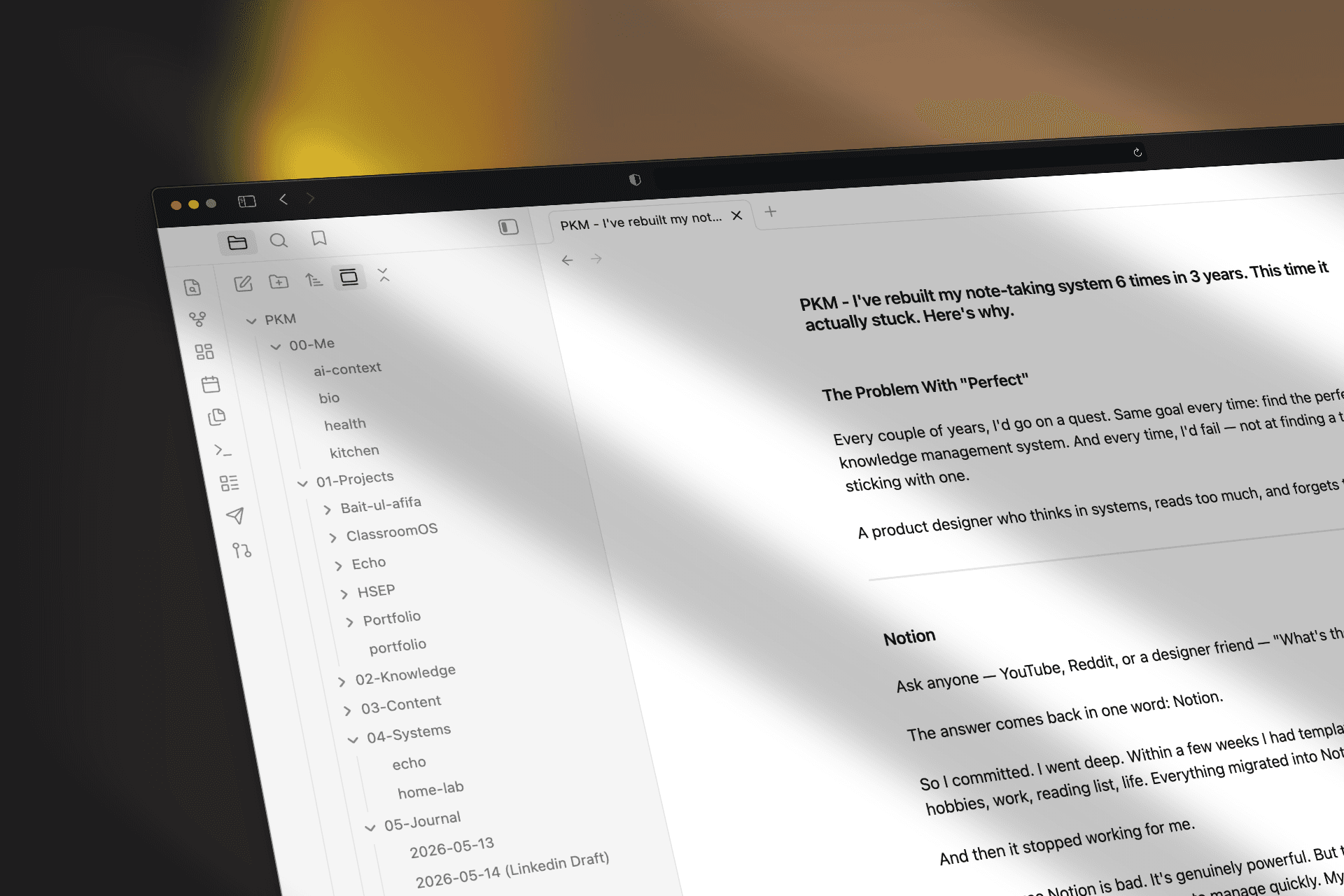
Plain text files beat every note-taking app I tried.
Moved from Notion to plain Markdown files — and finally built a system the AI can actually understand.
The Problem With "Perfect"
Every couple of years, I'd go on a quest. Same goal every time: find the perfect knowledge management system. And every time, I'd fail — not at finding a tool, but at sticking with one.
A product designer who thinks in systems, reads too much, and forgets things fast.
Notion
Ask anyone — YouTube, Reddit, or a designer friend — "What's the best PKM tool?"
The answer comes back in one word: Notion.
So I committed. I went deep. Within a few weeks I had templates for everything — hobbies, work, reading list, life. Everything migrated into Notion.
And then it stopped working for me.
Not because Notion is bad. It's genuinely powerful. But that's exactly the problem. Everything became too complex to manage quickly. My beautiful system started feeling like a second job.
Our brains aren't wired for heavy task management systems — we're wired for fast, low-friction decisions. When a system demands too much cognitive effort just to use it, the habit breaks.
It broke for me. Every single time.
A New Problem: AI Without Memory
Around this time, I was having long, deep conversations with different AI tools. But every new chat meant starting from zero. I had to re-explain my context, my background, my working style — every single time.
It felt like hiring a brilliant assistant who woke up with amnesia every morning.
This wasn't just annoying. It was a real design problem. And I started thinking about it the same way I think about any UX problem: what's the root cause, and what's the future-proof fix?
The Pivot: Markdown as the Foundation
I noticed something. Everywhere I looked in the modern tech stack — agent.md, skills.md, system.md — things were converging on one format: Markdown.
It makes sense. Markdown is the native language of AI. Every LLM reads it, writes it, and understands it deeply. It's plain text — lightweight, open, and completely portable. No proprietary blocks. No vendor lock-in.
So the plan became clear: what if everything I know lives in .md files?
My notes, my drafts, my writing style, my background — all of it in a simple folder. Feed any AI my context at any time, across any tool, without losing continuity.
Finding the Right Editor
I needed something fast, offline, and mobile-friendly. As a designer, if the interface doesn't feel right, I simply won't use it.
I found Obsidian.
Obsidian is an offline Markdown editor that runs entirely from a local folder on your device. It renders Markdown beautifully, has a thriving plugin ecosystem, and the mobile app is genuinely good. Clean, fast, and completely under my control.
One problem remained: sync.
Keeping the same folder in sync across my Mac Mini, my phone, and my home server needed a solution. I used "Syncthing" — a free, open-source tool that syncs folders directly between devices with no third-party cloud required. It runs quietly in the background, connects all my devices, and keeps everything in sync automatically, locally, and privately.
The System Today
Everything lives inside a single folder — my PKM (Personal Knowledge Management).
When I want to write or think something through, I open it in a code editor or AI-native writing tool. I can reference any file, chat with my notes, or ask an LLM to check my structure — all without leaving my local setup.
Because my writing style, my background, and my context all live in those files, the AI actually knows me. No re-introduction needed.
Results
Friction is gone. Opening a .md file and writing takes two seconds.
AI conversations have continuity. The AI knows my context, tone, and history.
Full ownership. My knowledge lives on my own devices — not inside a proprietary app.
Writing output increased. This article started as a rough draft inside my PKM folder.
The Takeaway
Markdown is the language the future is already writing in. If your notes live in .md files, every AI tool that exists today — and every one that ships tomorrow — can read them.
The perfect system isn't the most powerful one.
It's the one with the lowest barrier to actually using it every day.
Plain text won that race for me.